BackHA DH
Replying to @harshilparekh874
Founder-ish.
Hi! Good to see this platform growing as always. I had shared this earlier in the Strivle days, but I’ve since shipped a more complete version with a landing page and public release.
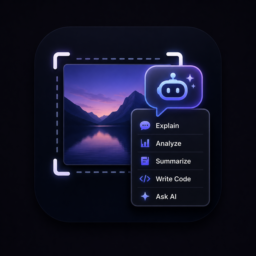
I built a desktop snipping tool that turns screenshots into structured AI input instead of static images. After taking a snip, it runs OCR to extract text and opens an action layer where you can send the context to a local model or external APIs like OpenAI, Claude, or Gemini.
The goal is to close the gap between seeing something on your screen and being able to immediately reason or act on it. I’ve also been experimenting with scrolling capture, screen recording, and step-by-step workflow documentation that can export into structured files with screenshots and actions.
It’s still early, but I’d love feedback from anyone interested in this kind of workflow or building tools around it.
heres the link: snipagent.app
This is smart — AI-generated documentation with screenshots is exactly what SaaS teams hate doing manually. The big question for you is: are you going after dev teams or non-technical PMs? Because the positioning changes a lot. Happy to give feedback on how you're framing this if you want a second opinion.